Home installation
From Box to Browsing: Setting Up Starlink at Home
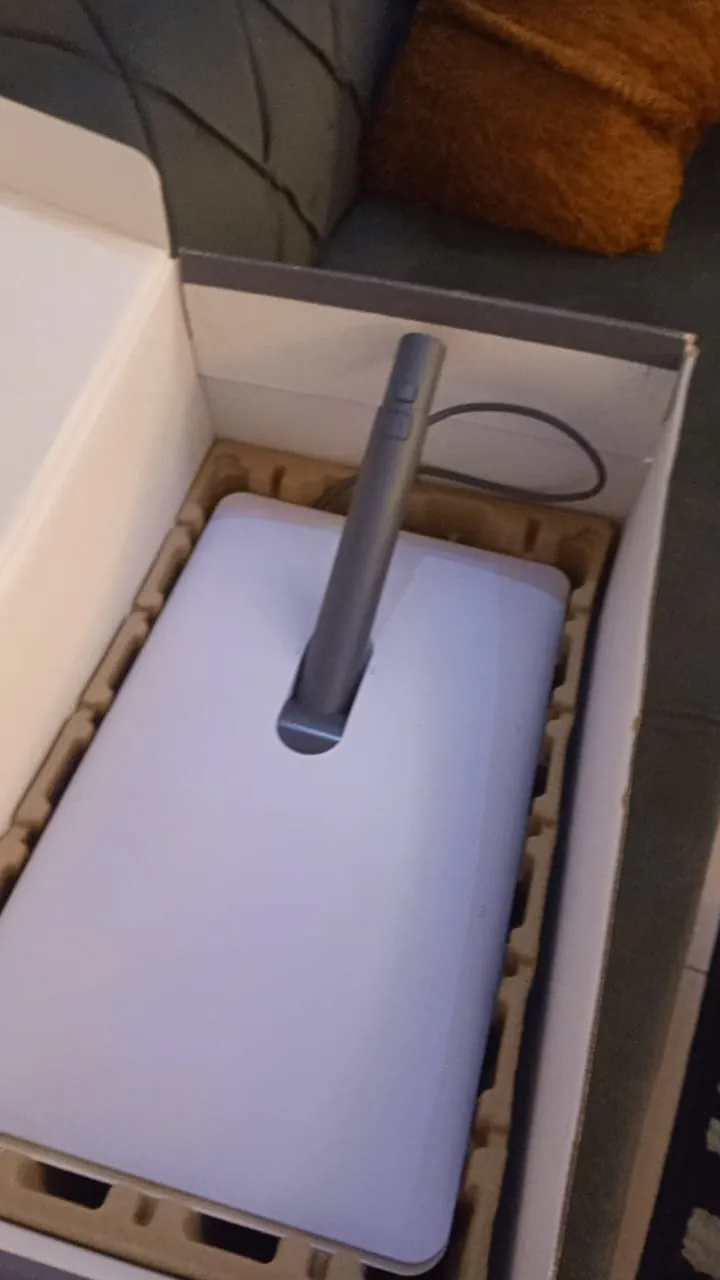
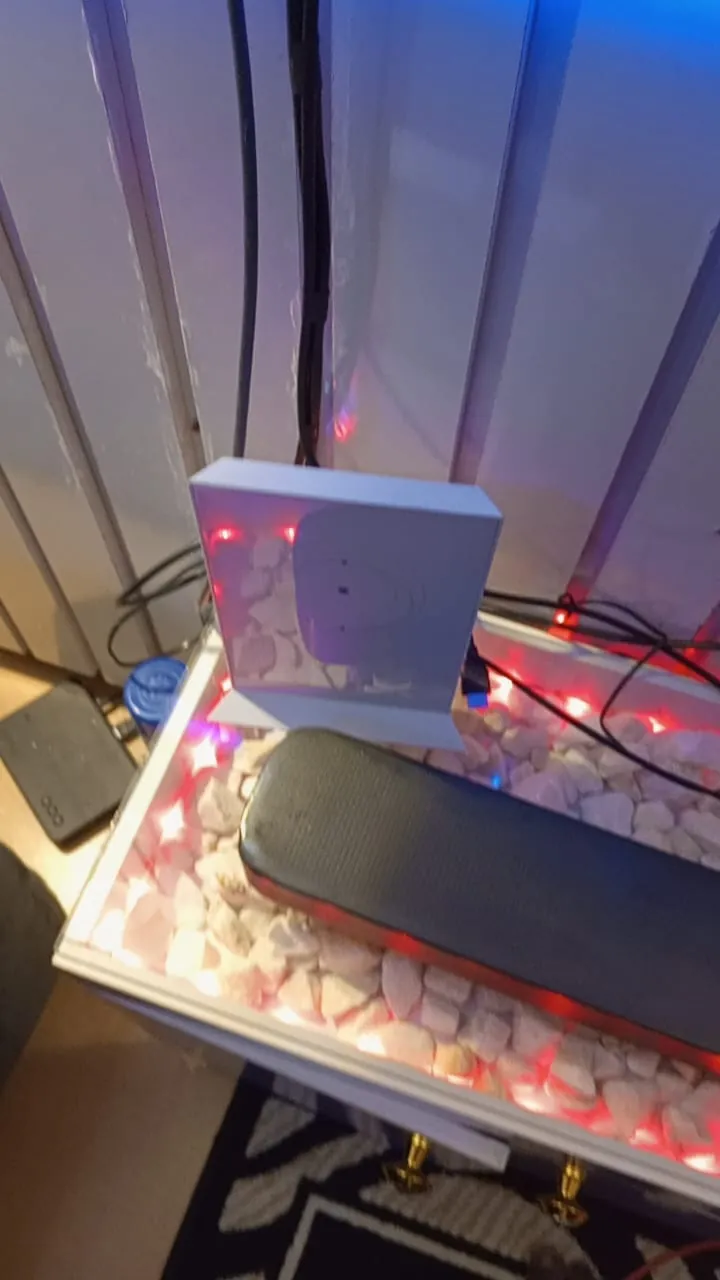
Kit unboxed, router placed and the home online: the indoor side of a Starlink set-up.
What we did
Every installation ends indoors: the router placed where the signal reaches the rooms that matter, and the home online.
Unboxed and checked the kit
Placed the router where the signal reaches the main rooms
Got the home online
Our work
More installations
Home
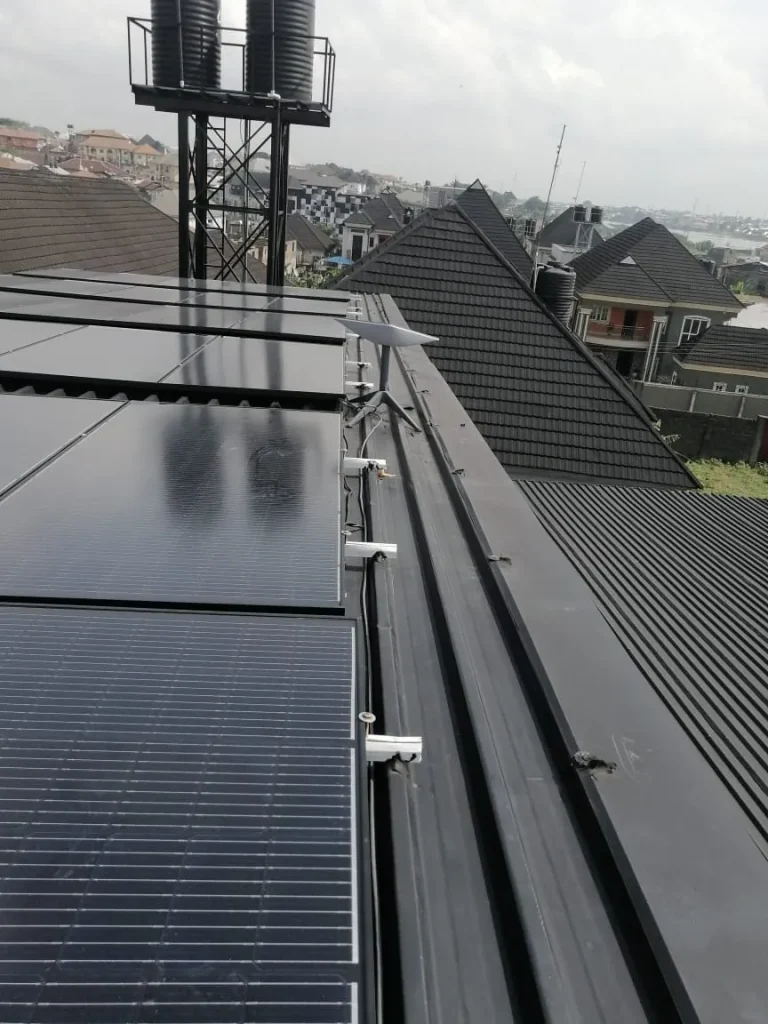
Whole-Home Wi-Fi for a Duplex: Ridge-Mounted Dish and Ceiling Access Point
Dish on the roof ridge between the solar panels, router in a wall-mounted box, and a ceiling access point to carry Wi-Fi through the house.
See the installation →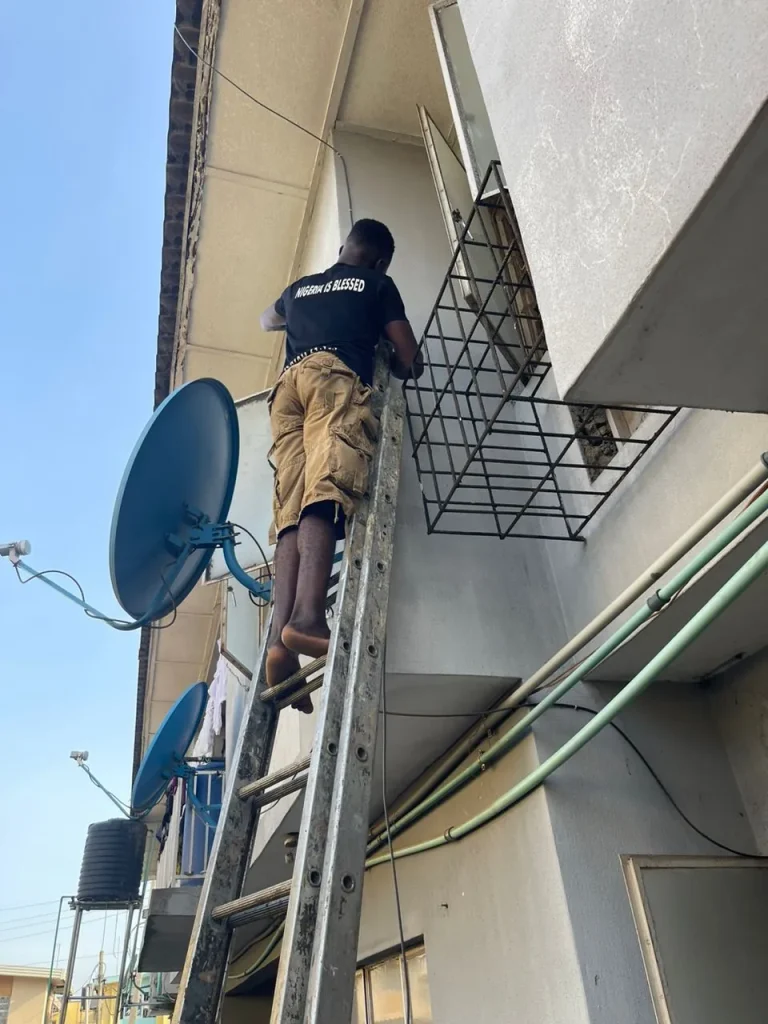
Home
Two-Storey Home Online at 121 Mbps
Installer up the ladder to the roof of a two-storey home, dish on the roof slope, router by the desk. Tested at 121 Mbps.
See the installation →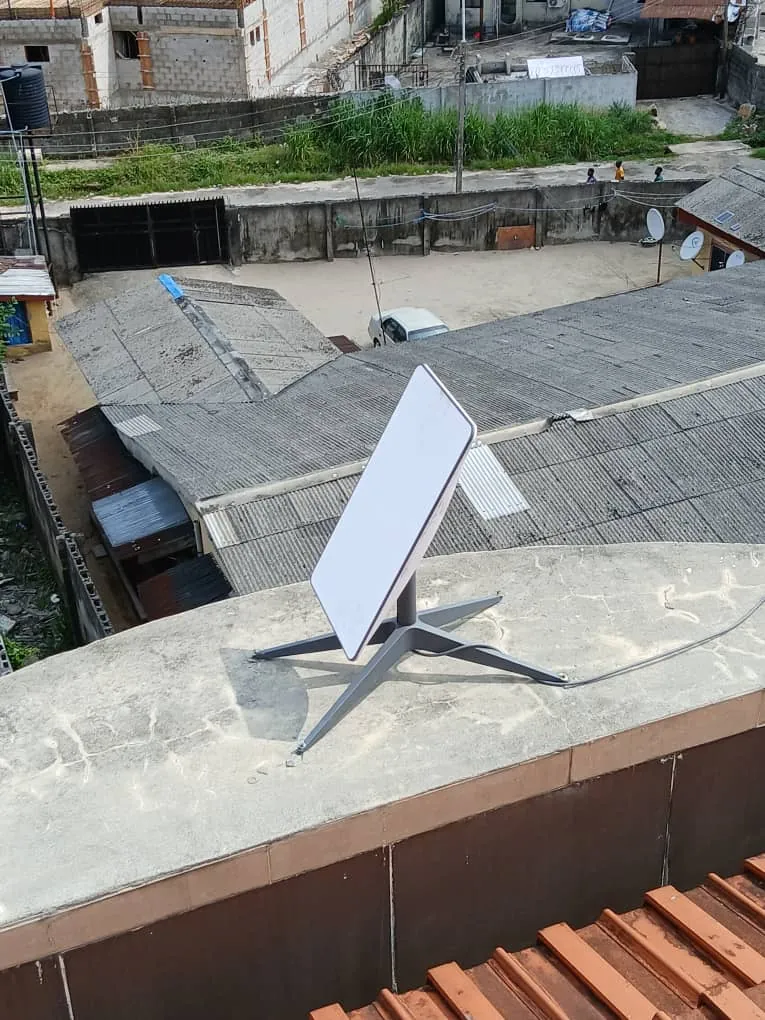
Home
Rooftop Starlink with a Clear View of the Sky, Tested at 91 Mbps
Dish set on a flat parapet above the roof line, clear of the buildings next door, and tested at 91 Mbps.
See the installation →Want a setup like this?
Tell us where you are and what you need. Message us on WhatsApp or call, any time, day or night.