The short answer
The Standard (Gen 3) kit comes with a 15 m (49.2 ft) Starlink cable, and the only longer cable in Starlink’s accessory guide is the 45 m (147.6 ft) cable, often sold as the “150 ft cable”. The Starlink Mini comes with a 15 m DC power cable, and Starlink sells a 30 m one. ZuraLink Limited’s current price for the 150 ft cable is ₦190,000.
How long is the Starlink cable?
These are the lengths in Starlink’s own kit and accessory guides.
| Kit | Cables in the box | Official longer or extra cables |
|---|---|---|
| Standard (Gen 3) with Router 3, now called Standard 4 X | 15 m (49.2 ft) Starlink cable, 1.5 m AC power cable, 1.5 m router power cable | 45 m (147.6 ft) Starlink cable; 15 m replacement |
| Standard 4 (same dish, with Router Mini) | 15 m Starlink cable, 2 m (6.57 ft) Starlink Ethernet cable, 1.5 m AC power cable | The same 15 m and 45 m Starlink cables |
| Starlink Mini | 15 m (49.2 ft) DC power cable; no Ethernet cable | 30 m (98.4 ft) DC power cable, 5 m USB-C cable, 15 m Mini Starlink Ethernet cable |
| Performance | 25 m (82 ft) Performance cable, 5 m Ethernet cable, 1.5 m AC and DC cables | Ask us |
For the Standard (Gen 3), Starlink lists only the 15 m and 45 m Starlink cables. If you see a “75 ft”, “50 ft” or “30 m” cable advertised, it is for a different kit or it is a third-party cable, so check before you pay. There is no “Gen 4” dish either: Standard 4 and Standard 4 X are 2026 names for kits with the same Gen 3 dish, and the 45 m cable fits both. The newer, smaller V5 dish, launched in select markets in July 2026 but not confirmed for Nigeria, reportedly also ships with a 15 m cable. Our guide to Starlink kits in Nigeria explains which kit is which.
The 150 ft (45 m) Starlink cable: when you need it
Fifteen metres is enough for most homes where the dish sits on the roof above the room with the router. You need the 45 m cable when the best patch of sky is further away: a pole at the far end of a compound, a dish on a water-tank tower, or a router on the ground floor of a three-storey building.
Don’t plan beyond 45 m. The Starlink cable carries power to the dish as well as data, and over a long run the voltage drops. Independent guides put the limit at about 150 ft (45 m) between dish and router, which matches the longest cable Starlink sells.
Measure the actual route, not the straight line: up the wall, along the parapet, through the wall and across the room, plus a little slack for a drip loop. Our current price for the 150 ft cable is ₦190,000; prices move with the exchange rate, so check our current Starlink prices before you order. Where the dish goes is covered in our guide to Starlink mounts.
Gen 2 vs Gen 3 cables, and is it “just Ethernet”?
Gen 2 and Gen 3 cables are not interchangeable. The Gen 2 (Standard Actuated) cable uses proprietary connectors with a fixed dish end and router end. The Gen 3 cable uses RJ45-style connectors with moisture seals, and either end can go to the dish. Upgrading from Gen 2 to Gen 3 usually means running a new cable.
The Gen 3 cable looks like an outdoor network cable, but Starlink’s specification sheet describes it as an 8-pin connector with a shield and a bare drain wire, and it does not call it an Ethernet cable. It is built to carry power and data to a dish on a roof in all weather.
A normal Ethernet cable is what you use at the other end, from the router to a computer, TV or switch. Which kits need an adapter for that is explained in our guide to the Starlink Ethernet adapter and wired connections.
Can you use normal Cat6, cut the cable or extend it?
Starlink sells its Standard cables in fixed lengths. We found no Starlink guidance on third-party cables, couplers or re-fitting plugs between the Standard dish and router, and no published statement on what a homemade or joined cable means for a warranty claim. The practical risks are clear enough:
- Voltage drop. Cheap cable with thin or copper-clad aluminium (CCA) wires has more resistance than copper, so less power reaches the dish.
- Water. The official plugs have seals. Ordinary RJ45 plugs and couplers do not, and rain finds its way in. Our guide to Starlink in the rain covers waterproofing in detail.
- The Mini’s rating. Starlink does allow your own Ethernet cable in the Mini’s LAN port, but states that the Mini is then no longer rated IP67 (dust-tight and protected against brief immersion).
- Sun. Indoor cable jackets go brittle and crack on a Nigerian roof.
- Hard-to-find faults. A weak joint shows up as random drops that are easy to blame on something else.
Our advice: use the official cable, and choose a dish position the 15 m or 45 m cable can reach. If the plug will not fit through a hole, make the hole bigger rather than cutting the plug off. For the router-to-device side, any good Cat6 or Cat5e cable is fine.
Routing Starlink cable through walls and along roofs
Steps 2 to 4 come from Starlink’s older routing guide; the rest is our own practice.
- Plan the route. Keep it short, away from sharp roof edges, hot generator exhausts and places people walk.
- Drill at a slight downward angle from inside to outside, so water cannot run along the cable into the house.
- Leave a drip loop. Let the cable dip below the hole outside before it rises to enter, so rain drips off the bottom of the loop.
- Seal the hole thoroughly with outdoor sealant, or a grommet and sealant.
- Clip the cable along its run. Starlink’s current Standard and Mini mounts come with 20 routing clips. Never staple through the cable.
- Use conduit on exposed runs, such as along a parapet or across a flat roof.
- Coil spare cable loosely instead of cutting it, and avoid tight bends.
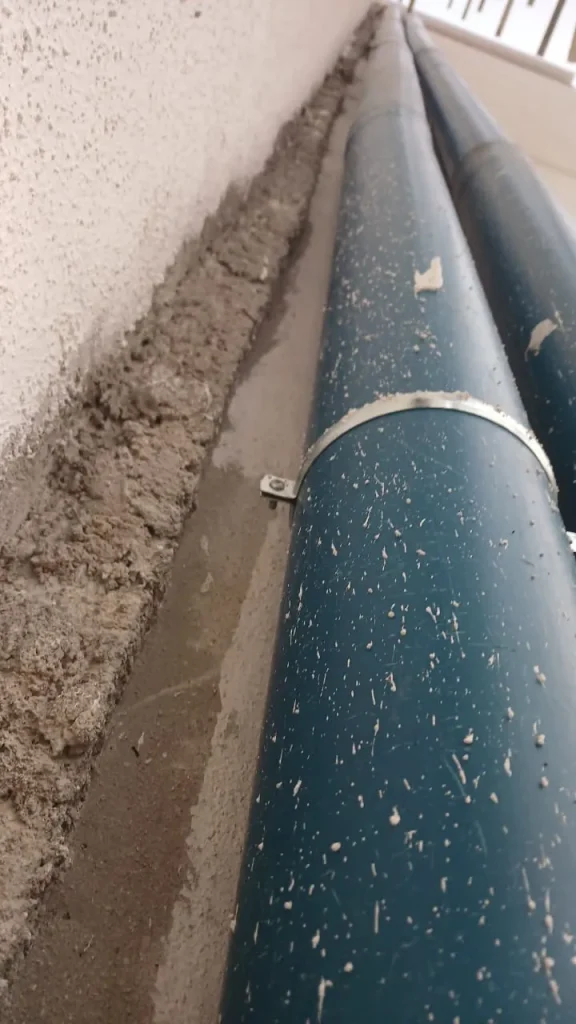
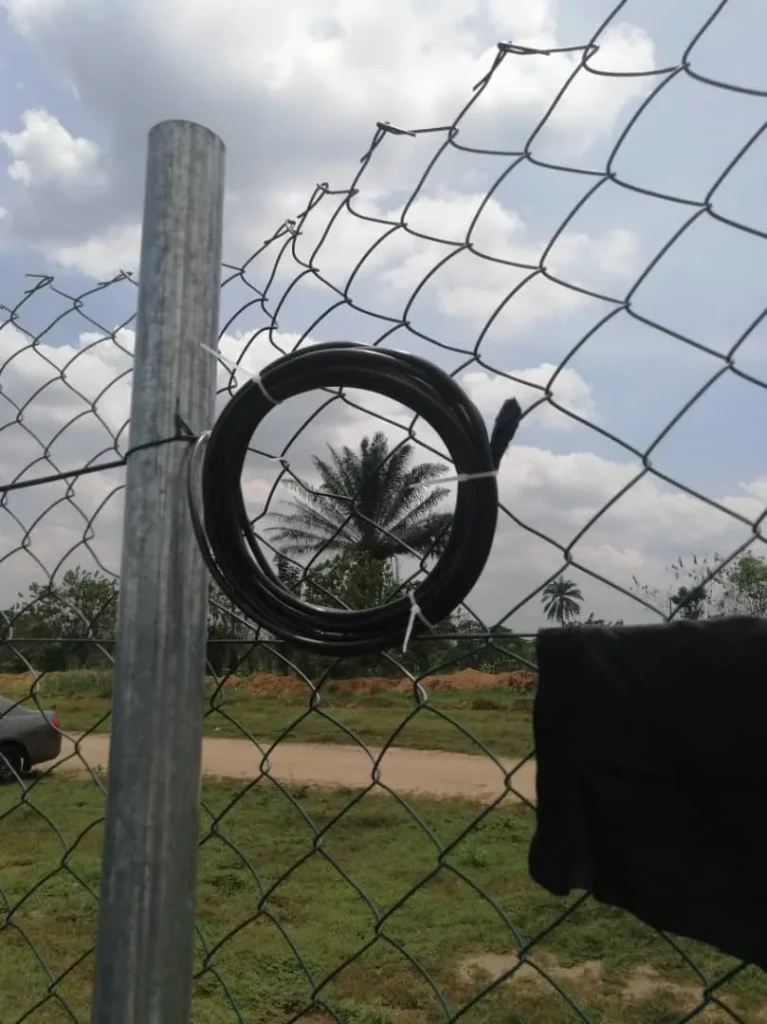
Starlink has sold a masonry routing kit (grommets, sealant and clips) in the past. We have not confirmed it is still sold for the current kit, but standard outdoor grommets and sealant do the same job. The wider job is covered in our guide on how to install Starlink in Nigeria.
Can you bury Starlink cable?
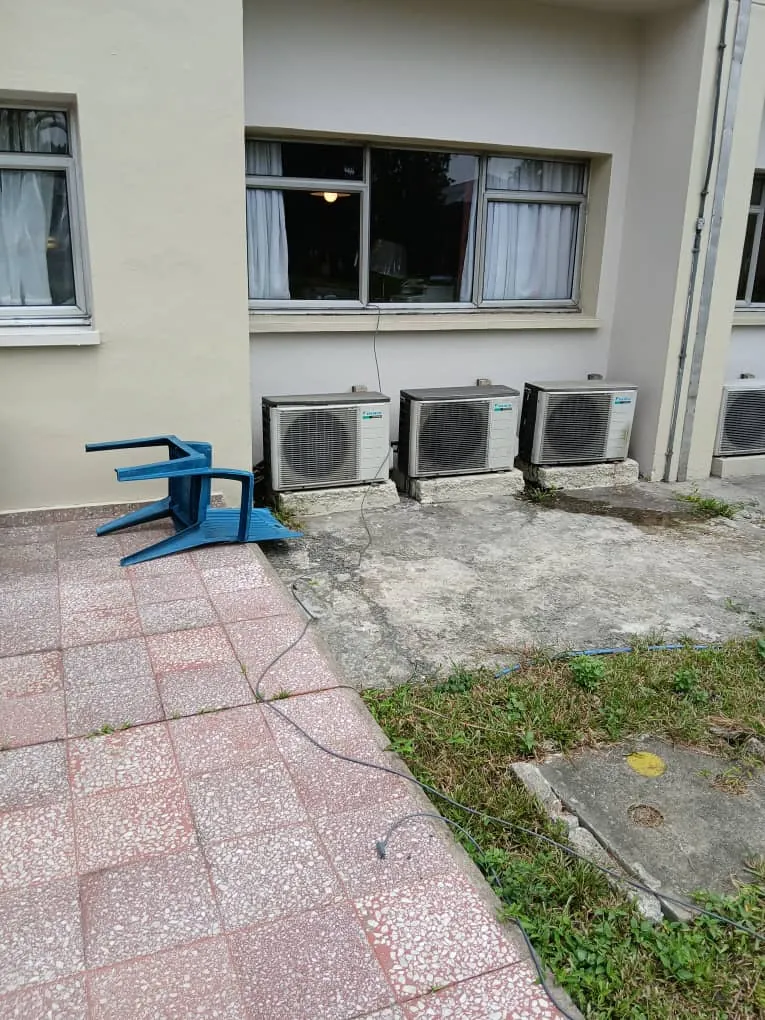
Not on its own. Starlink’s older ground-pole guide says the cable is not burial rated. If you have to cross a compound, run it inside conduit (independent guides suggest at least 1 inch, about 25 mm), leave a draw wire for future changes, and mark the route so nobody digs through it. Conduit also protects against rats. Often the simpler answer is to run the cable along a wall or paving.
Damaged cable: signs, removal and replacement
Suspect the cable if the app shows “Offline: Unplugged or Rebooting” or a poor cable connection alert, if drops happen when wind moves the cable, or if you can see cuts, crushing or rat bites.
- Removing it: the Standard (Gen 3) cable has no release tab. Pull it straight out firmly, and when you refit it, push until the plug face sits flush.
- Replacing it: use an official 15 m or 45 m Starlink cable. We sell the 150 ft (45 m) cable; for Gen 2 cables, ask us.
- Warranty: Starlink gives accessories bought separately a 12-month limited warranty outside the EU and UK, which includes Nigeria. We advise on next steps if a claim is needed.
Starlink Mini cables in brief
The Mini’s 15 m DC power cable runs from its power supply to the dish, with a 30 m option. The 5 m USB-C cable needs a 100 W (20 V, 5 A) source; car and power bank use is covered in our guide to Starlink on 12 V and power banks. For a wired link, the 15 m Mini Starlink Ethernet cable seals the port. When the Ethernet port is not in use, keep the Starlink Plug fitted, because the IP67 rating assumes it is in place.
When to get help with cable runs
A long run through walls, conduit and across roofs is where most of the work in a good installation goes. Our installers plan the route, fit and seal the cable, and leave the spare coiled where it can be reached. See our Starlink installation service, WhatsApp us or call 0802 859 5303.
Starlink cable FAQs
How much cable comes with Starlink?
The Standard (Gen 3) comes with a 15 m (49.2 ft) Starlink cable, and the Mini with a 15 m DC power cable. The Performance kit comes with 25 m.
Can Starlink use any Ethernet cable?
Not between the Standard dish and its router: use Starlink’s own cable there. The Mini’s Ethernet port does take your own cable, but the Mini then loses its IP67 rating. Between the router and your devices, any good Cat6 or Cat5e cable works.
Can I extend my Starlink cable?
Starlink’s accessory guide lists no extension or coupler, only a longer 45 m cable. Replace the cable rather than joining two together outdoors.
Is the Starlink cable waterproof?
The Gen 3 cable’s plugs have moisture seals when fully pushed in. Water usually gets in through unsealed wall holes or third-party plugs, not the official cable.
How do I disconnect the Starlink cable from the router?
There is no release tab on the Standard (Gen 3) cable. Pull it straight out firmly; don’t twist or lever it.
How much is the Starlink 150 ft cable in Nigeria?
ZuraLink Limited’s current price for the 150 ft (45 m) cable is ₦190,000. Prices change with the exchange rate.